Choose a color story
Start with a palette that expresses the feeling you want.
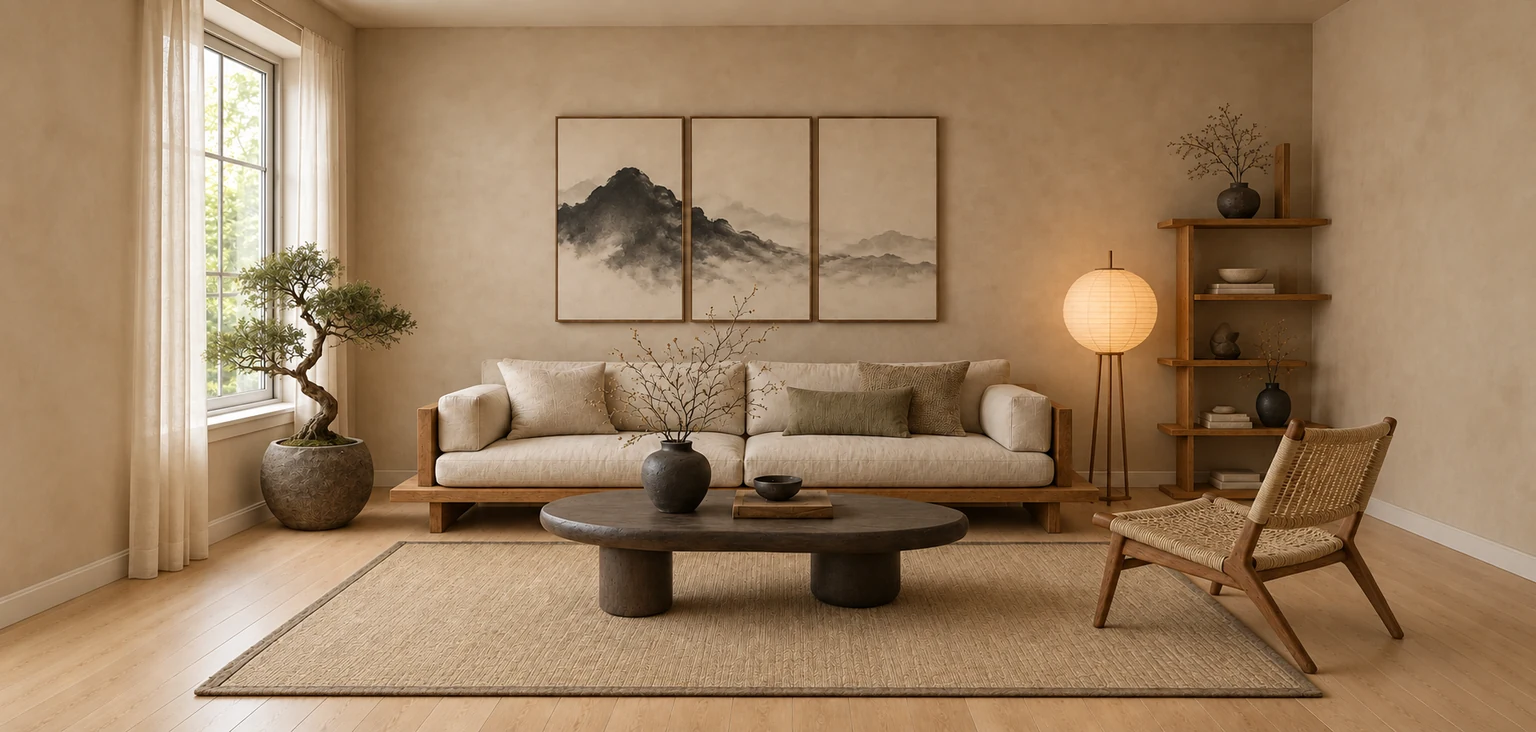
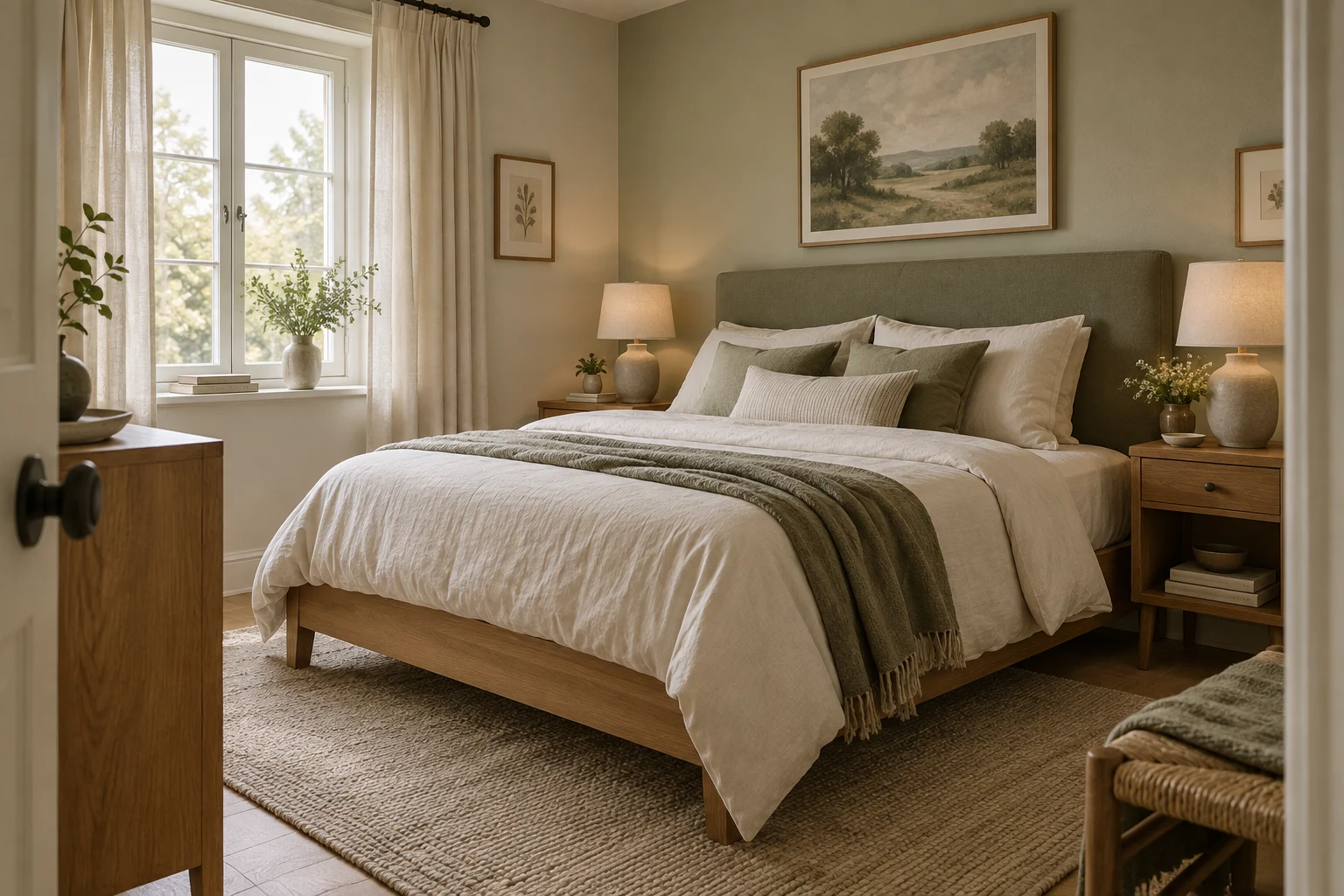
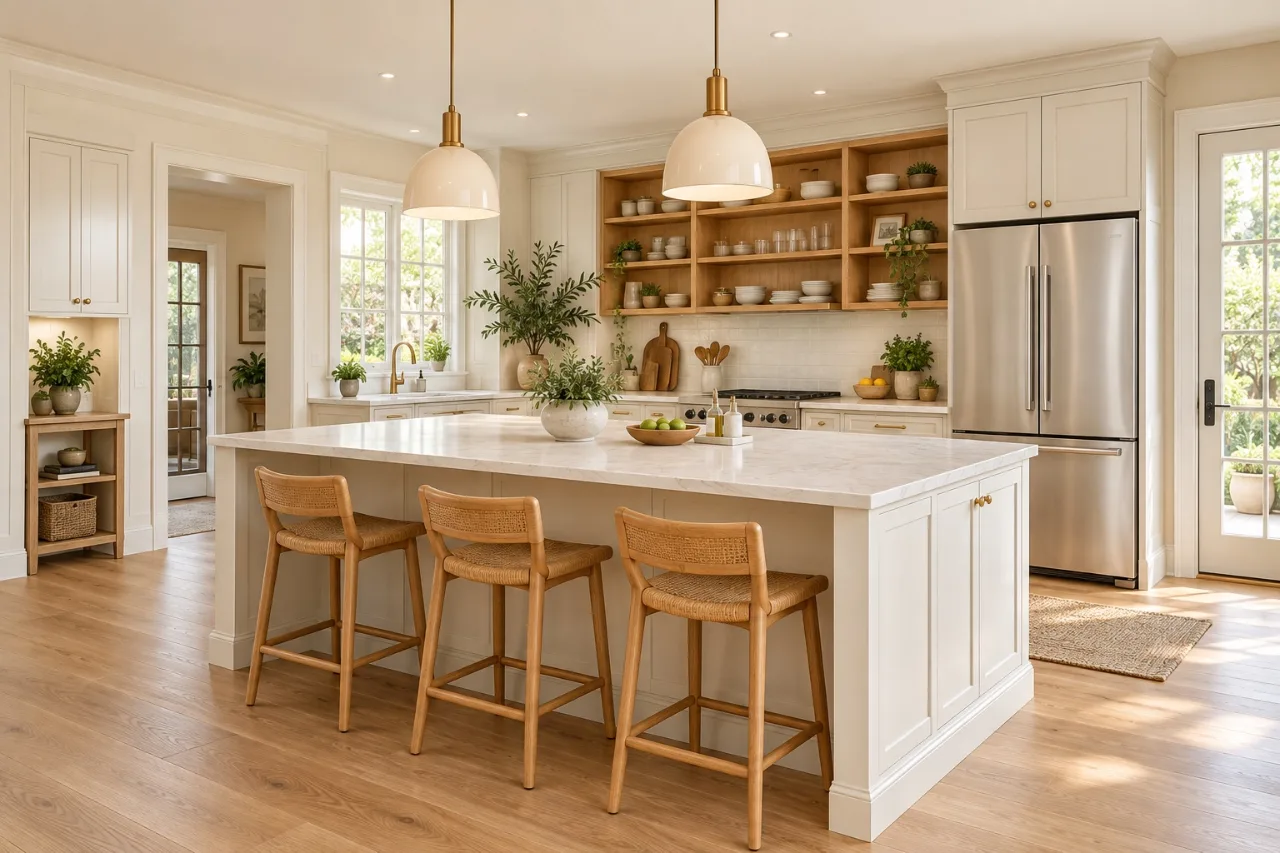
Room color palettes
Explore color combinations in a concept based on your room photo. Compare each direction with your original before trying physical samples at home.
Explore my room’s colorsStart with your photo. Choose your direction.
Explore the examples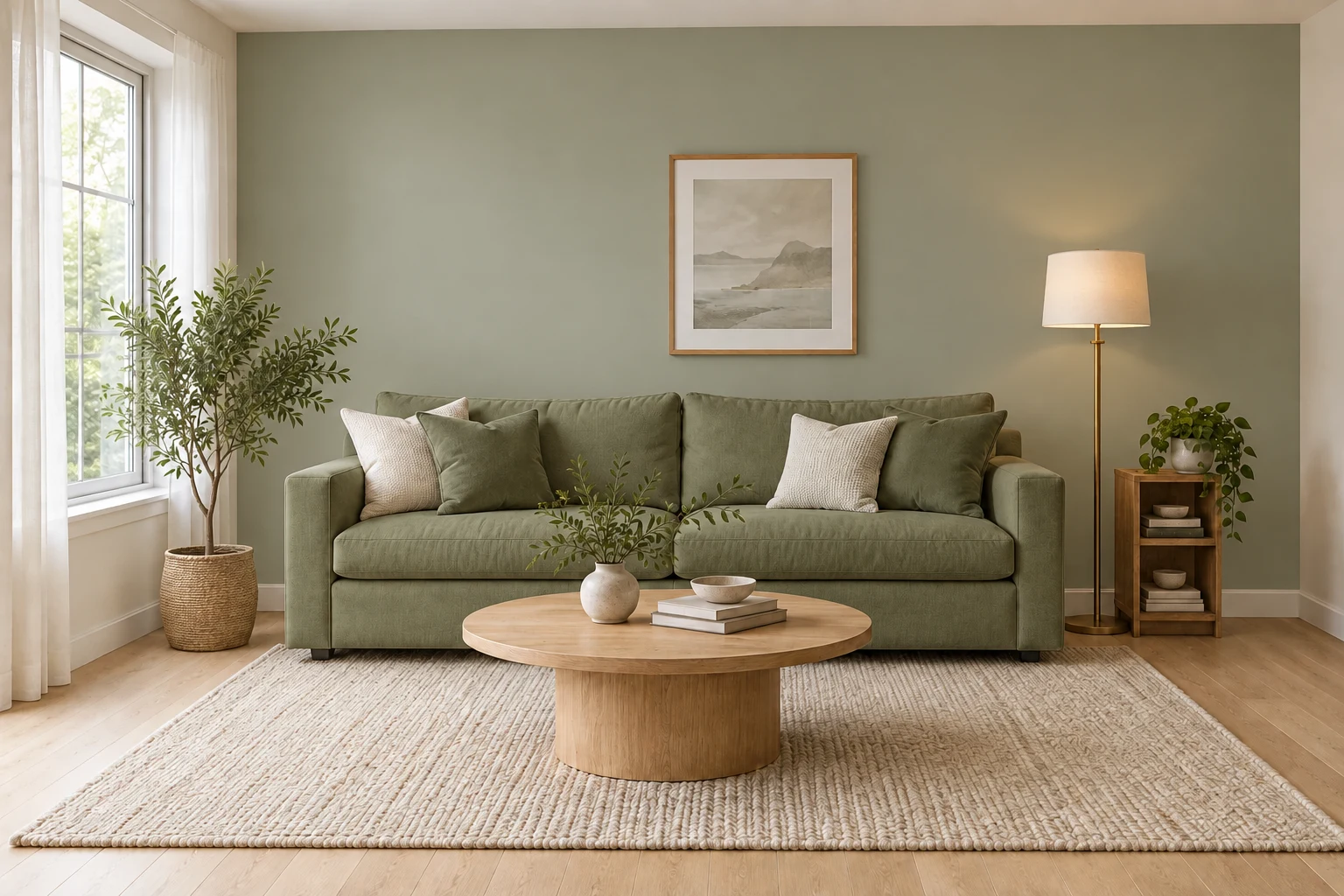
EXPLORE THE DIRECTION
Explore a palette in context. Walls, textiles, and furnishings work together, so compare the complete result as well as its colors.
Illustrative concepts and material references, not customer projects or guaranteed results.
Start with a palette that expresses the feeling you want.
Look at the relationship between walls, textiles, and furniture.
AI may change details beyond color; use your original as a reference.
FROM SOURCE TO POSSIBILITY
Review the credit cost before confirming a generation.
Choose Interior, then upload a clear photo of your space.
Explore the palette choices in the design settings.
Review the result beside the original and download your chosen concept.
FROM CONCEPT TO NEXT STEP
The image helps you choose a direction. Screens and room lighting affect perceived color, so make the final choice with physical samples at home.
PLANS & USAGE
Explore ideas with credits. Check the cost of each action before you generate.
Compare all plan details$5.00 / month
Billed $59.99 annually
$33.33 / month
Billed $399.99 annually
Secure checkout is provided by Stripe. Review your plan, billing period and total before confirming payment. Terms and cancellation
No. The generated palette is a visual direction, not a calibrated paint match.
Not necessarily. AI may change furnishings, finishes, or other details, so compare the complete image with your source.
Screen settings, daylight, artificial light, and surrounding colors all affect its appearance. Use physical samples.
You can revisit saved results and download generated images. New generations use the credits shown before confirmation.
HOMEVISION · YOUR NEXT IDEA